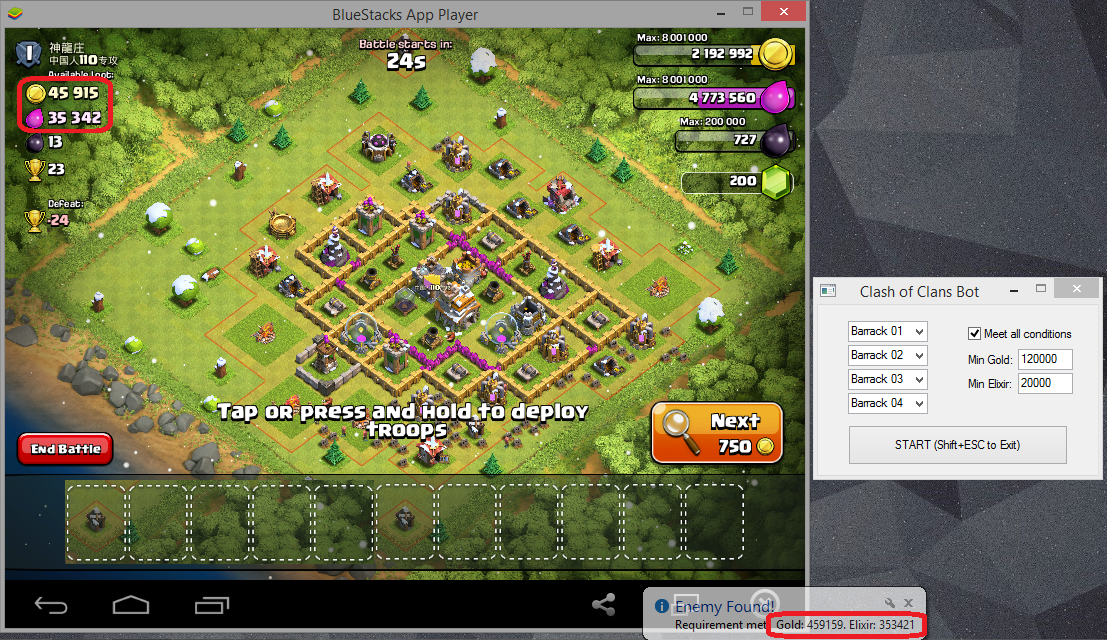
@Antidote
I noticed that you prefer to use ControlClick. I prefer to use MouseClick as I can see the point move (like ghost control). 😎
Secondly, I did try to use ImageSearch, but I couldn't get it to work. So I used PixelSearch instead.
Below are some of my coding, hope it can help you.
Func ClkAttackButton()
   $Pixel = PixelSearch(0,0,900,700,0xF0E5D6) ;Attack! button
   If IsArray($Pixel)= True Then
	  MouseClick("primary",$Pixel[0],$Pixel[1],1)
   Else
	  Sleep(200)
	  ClkAttackButton()
	  $Count = $Count + 1
	  If $Count = 5 Then
		 Exit
	  EndIf
   EndIf
EndFunc

Func ClkFindMatch()
   $Pixel = PixelSearch(0,0,900,700,0xF8E0A7) ;Find a match button
   If IsArray($Pixel)= True Then
	  MouseClick("primary",$Pixel[0]+60,$Pixel[1]+30,1)
	  Sleep (1000)
	  $Pixel = PixelSearch(0,0,900,700,0xE8EAE0) ;Shield is active window
	  If IsArray($Pixel)= True Then
		 $Pixel = PixelSearch(0,0,900,700,0xCCE870) ;Okay button
		 If IsArray($Pixel)= True Then
			MouseClick("primary",$Pixel[0],$Pixel[1]+5,1)
		 EndIf
	  EndIf
   Else
	  Sleep(200)
	  ClkFindMatch()
	  $Count = $Count + 1
	  If $Count = 5 Then
		 Exit
	  EndIf
   EndIf
EndFunc


Func ClkCollectLoot()
   $Pixel = PixelSearch(0,0,900,700,0xB0B870) ;Gold&Elixer Collector bubble icon
   If IsArray($Pixel)= True Then
	  MouseClick("primary",$Pixel[0],$Pixel[1],1)
	  Sleep (100)
   EndIf
   $Count = $Count + 1
   If $Count = 2000 Then
	  Exit
   EndIf
   ClkCollectLoot()
EndFunc