hello,
i have bought a dell venue pro 8 tablet (1280x700). when i apply the registry the bot says that i dont apply the 860x720 reg. i hope anyone can help mee..
Video Game Reverse Engineering
800x720 registry
Started by serseri52 · Feb 22, 2015
hello,
i have bought a dell venue pro 8 tablet (1280x700). when i apply the registry the bot says that i dont apply the 860x720 reg. i hope anyone can help mee..
Dl the one from the cross bot thread..
Restart Bluestack
Restart Pc
i tried the registry in the cross bot thread but it doesnt work. i have start the screencapture it says that bluestacks have a size fromm 860x703 .. can anyone help me with teamviewer?
I have the same problem as you. My Acer W700 works fine but my Dell Venue 8 Pro has some resolution issues when using Bluestacks of any version. Apparently, my Bluestacks only works fine when you interchange the resolution width and height which causes the script not to recognize the windoe. Right now, my only option is to use Lazypressing since its working on 800x600 res on portrait mode. I hope someone could figure this one out since I really like TBC bot.
you can try to use BSTweaker
just google it to avoid posting a site link which is not allowed or an exe file
the first result with the youtube video (which is the tutorial how to use it) should be the one you need
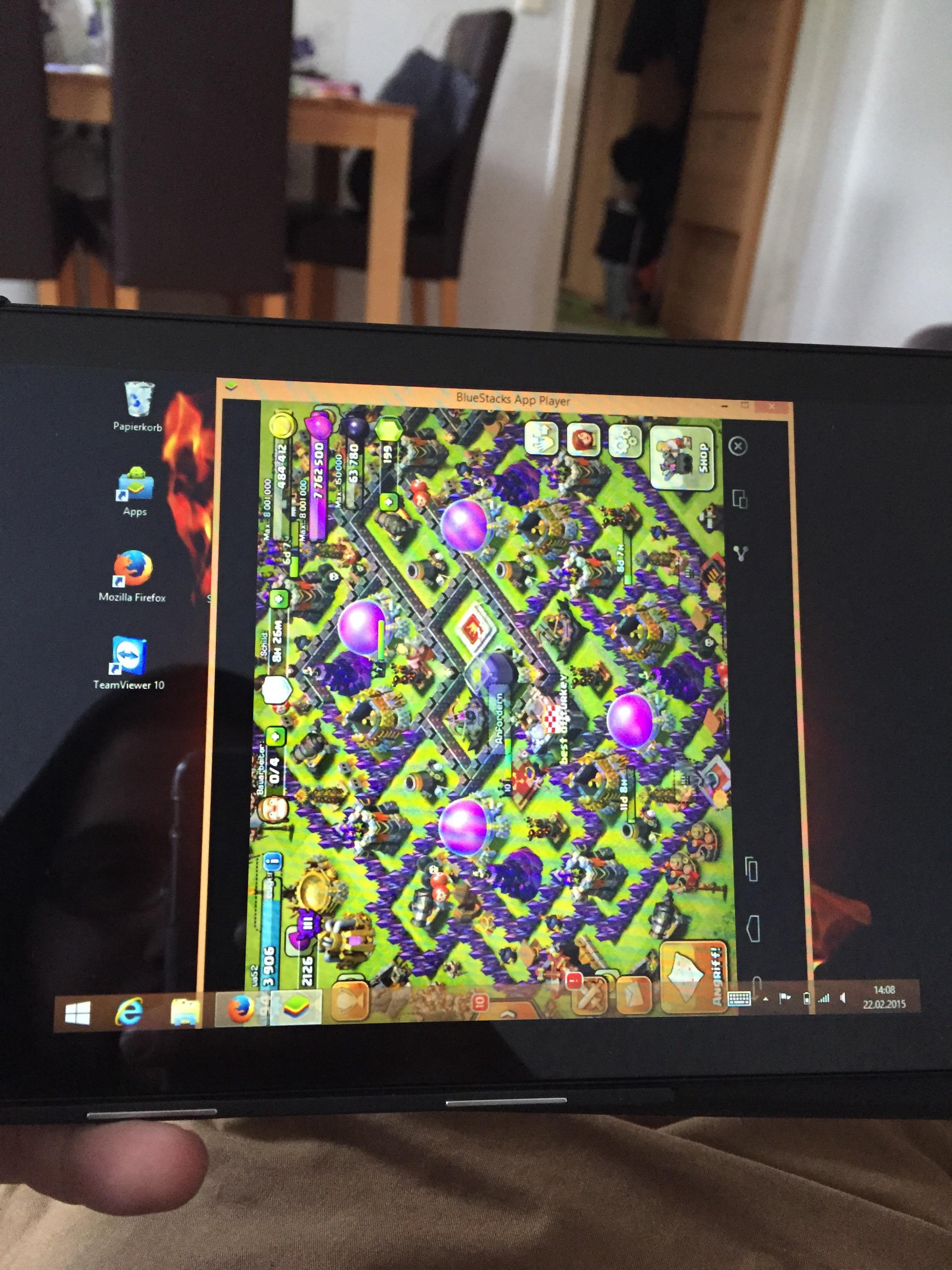
Here is my problem now. When i start clash of clans bluestacks rotate automaticly. in the menu its normal.
i have tried with the bstweaker too but dont work 🙁
Try to do portrait mode and disable bluestacks auto rotate on portrait apps
Found a solution for our device (Dell Venue 8 Pro). With the new update 5.6 it now works on horizontal screen. Just try to interchange the resolution in regedit from 860x720 to 720x860 then restart Bluestacks or device. After that, toggle the Bluestacks notification on the notif bar then click "Rotate Portrait Apps" > Disable. Open Bluestacks and wait for everything to load first, wait for the screen to flip coz it will be on portait mode at first. Lastly, open COC Bot and it will recognize that the screen is 860x720 and not 720x860. Again, make sure you wait for BS to load and flip first before opening COC Bot because if you do, you will get the error that BS is not in 860x720. HTH
Got something to add?
Join the conversationLog in to post a reply.