The Bytecode Club
Log inJoin the club
Video Game Reverse Engineering

[TUT]24/7 Botting on VPS

Started by cryzies · Jan 17, 2015

22 replies452,071 views
Jan 18, 2015#11

KnightEdRion wrote:

gregdgg wrote:

gregdgg wrote:

I have successfully install bluestack, the problem i cant load the coc properly and set up the bot. The screen is pixelizing and so slow.

Does the VPS have a graphic card? its very slow when im running the coc

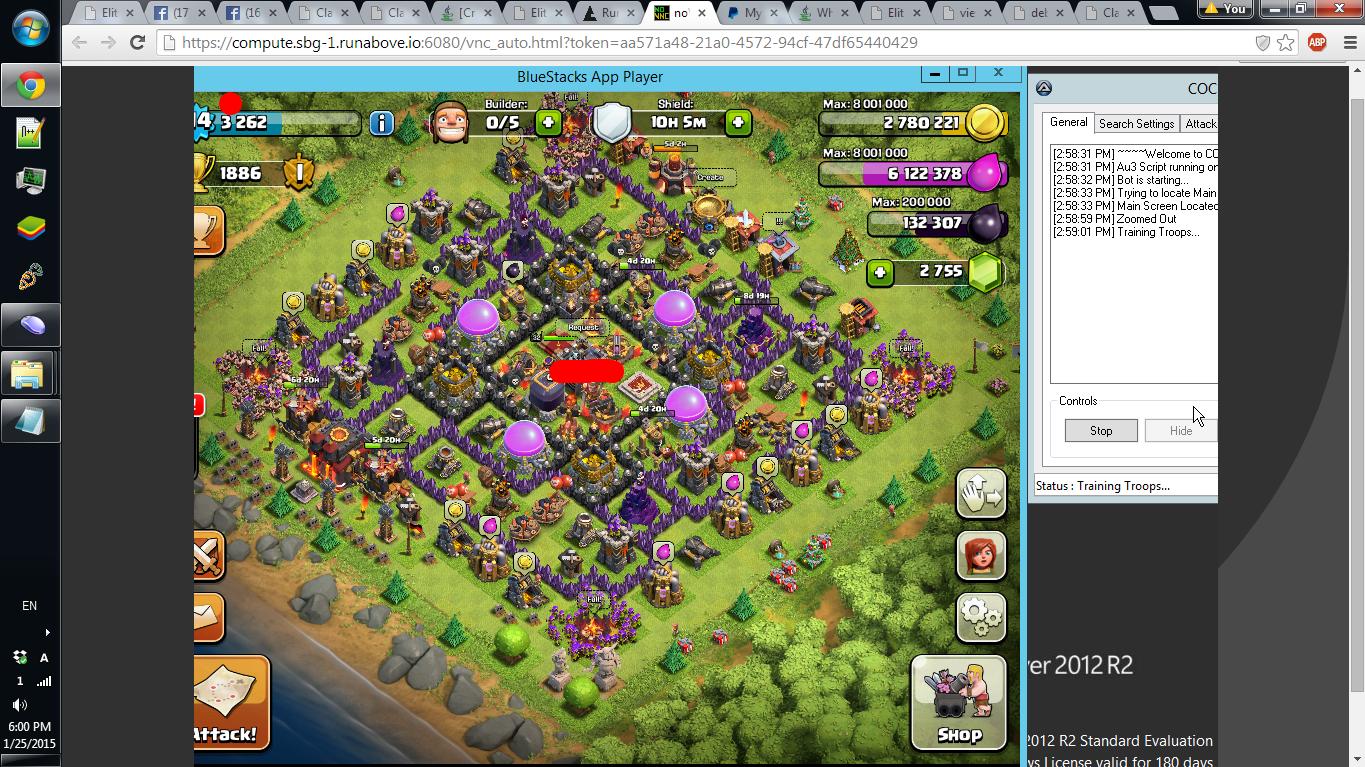
I think it just looks "slow" because you're viewing it remotely.. constantly downloading high quality images. I have crappy net, but I think I managed to setup the bot just fine, I use my other account to view if the bot is still working and so far it's doing great. I just wish there's a setting to optimize speed over quality.

Anyway, thank you for this cryzies! 🙂 I hope it goes well.

EDIT: For some reason, when it attacks.. I can see in the logs that the entries are duplicated.. I can't get a screenshot yet, but it's like this.
(1) [G]: 183143       [E]: 141004       [D]: 376          [T]: 34
(2) [G]: 183143       [E]: 141004       [D]: 376          [T]: 34
(3) [G]: 183143       [E]: 141004       [D]: 376          [T]: 34

Go into RDP's advanced settings
Set connection quality to the lowest, color quality to the lowest and lower the resolution.
Jan 19, 2015#12

Go into RDP's advanced settings
Set connection quality to the lowest, color quality to the lowest and lower the resolution.

Thank you. That did the trick. 🙂

Jan 19, 2015#13

What's version do u use??????

Jan 19, 2015#14

What's version do u use??????

If you're talking about the version of the bot, I also use the v5.3.4 that cryzies uses. I tried the v5.4.2.2 but it gets weird and unusable when attacking.. haven't tested for a long time though.

Jan 22, 2015#15

I have a windows server but I'm having a problem. Every time that I close the Remote Desktop Connection window on my local computer it stops working because the account gets locked. How can I solve that?

Jan 23, 2015#16

I have a windows server but I'm having a problem. Every time that I close the Remote Desktop Connection window on my local computer it stops working because the account gets locked. How can I solve that?

It's not really a solution.. but log in through their web based remote access and you will never get locked. (I followed cryzies tutorial, the step 4. but I can't seem to get it right, because I also get locked out when I use RDP)
Or you could use Teamviewer too.

Jan 25, 2015#17

i already tried this and choose the L sandbox. it seems the bluestack use up almost all the ram and the bot isn't running efficiently. can i know why?

Jan 25, 2015#18

zooty wrote:

KnightEdRion wrote:

gregdgg wrote:

gregdgg wrote:

I have successfully install bluestack, the problem i cant load the coc properly and set up the bot. The screen is pixelizing and so slow.

Does the VPS have a graphic card? its very slow when im running the coc

I think it just looks "slow" because you're viewing it remotely.. constantly downloading high quality images. I have crappy net, but I think I managed to setup the bot just fine, I use my other account to view if the bot is still working and so far it's doing great. I just wish there's a setting to optimize speed over quality.

Anyway, thank you for this cryzies! 🙂 I hope it goes well.

EDIT: For some reason, when it attacks.. I can see in the logs that the entries are duplicated.. I can't get a screenshot yet, but it's like this.
(1) [G]: 183143       [E]: 141004       [D]: 376          [T]: 34
(2) [G]: 183143       [E]: 141004       [D]: 376          [T]: 34
(3) [G]: 183143       [E]: 141004       [D]: 376          [T]: 34

Go into RDP's advanced settings
Set connection quality to the lowest, color quality to the lowest and lower the resolution.

where is the advanced settings

Jan 25, 2015#19

Feb 3, 2015#20

hai, why i got my account suspended?

Got something to add?

Log in to post a reply.

Join the conversation