

Test Function for Background Feature
well...mine is 1.2 in win 8 pro x64 ....so i guess the problem come in the WDDM 1.1 only?
well...mine is 1.2 in win 8 pro x64 ....so i guess the problem come in the WDDM 1.1 only?
well..i guess its the same? directX 11 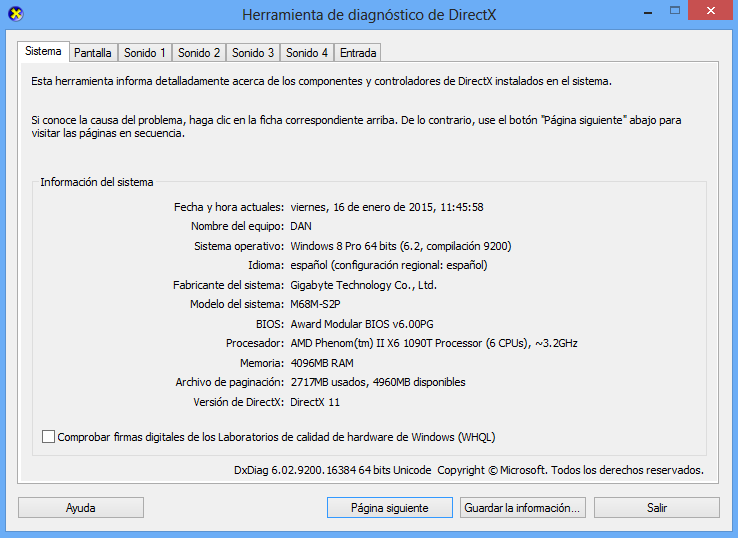
@dinobot im on win 8 x64 now...just take the screenshot...and guess what...it work!! like you said, it must be soft problem =D
> installed windows 8.1 x64 > > Aero enabled while BS start and successfully able to do background capturing. > > Likely is software problem (graphic driver not compatible). Not hardware like i earlier mentioned. Strange... > > Also I notice slightly better performance of the gra
> It was a very clear instruction given by kojometa and it is meant for people who need help.. Of coz there is other ways of compiling like you mentioned. By if you just do it your way, the compilation might be based on the default that you chose when you installed autoit. Even y
sooo...i have a stupid question... its not the same if i open de .au3 file and go to tools->compile? if is not, can u explain me why? i dont know programming, and i want to lear some =) thanks
@dinobot id already try that, and yes...it give me a Black screen here's the pic: http://es.tinypic.com/view.php?pic=v2ttfo&s=8
without aero i get a screen....but like this 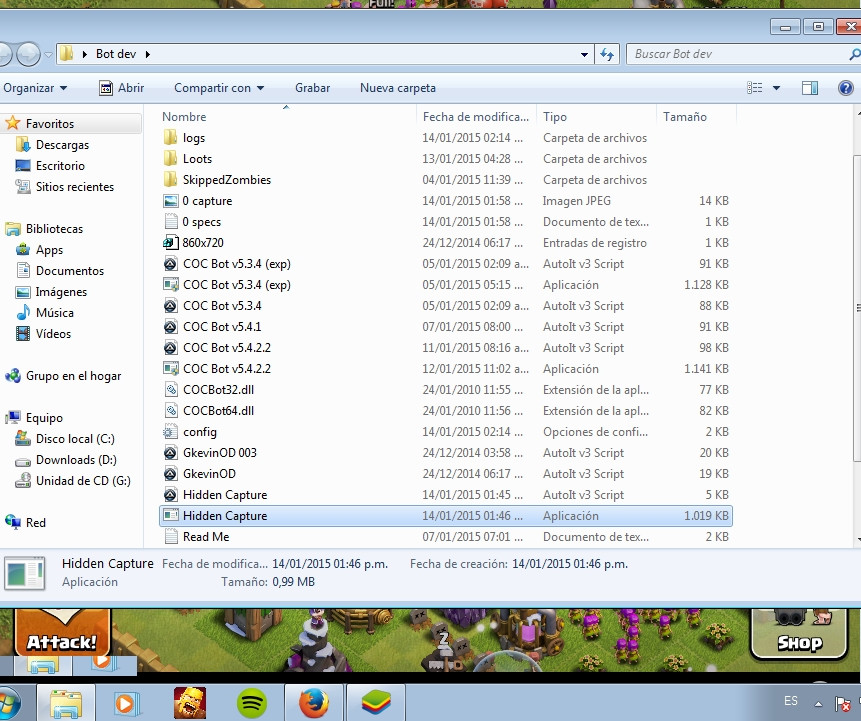
i get a black screen 😕 here's the log: ------------------------ BLUESTACKS ------------------------ BlueStacks is open and not minimized Resolution: 860, 720 ------------------------ AUTOIT ------------------------ Version: 3.3.12.0 Native x32 Compiled ------------------------ SP
> Did it give a black screenshot even when you move BS out of the screen? do u mean this? http://oi60.tinypic.com/v2ttfo.jpg i guess it does...
> **Mystery7 wrote:** > > > **danilp12 wrote:** > > > > hey @GkevinOD i just found the problem of black screenshot of BS! it was a BS memory issue...id did this: > > 1-go to BS main folder, execute HD-quit (to stop BS services) > > 2- go to HKEY_LOCAL_MACHINE->SOFTWARE ->BlueStac
hey @GkevinOD i just found the problem of black screenshot of BS! it was a BS memory issue...id did this: 1-go to BS main folder, execute HD-quit (to stop BS services) 2- go to HKEY_LOCAL_MACHINE->SOFTWARE ->BlueStacks ->Guest ->Android 3-change the memory value to 400 (1024) (de